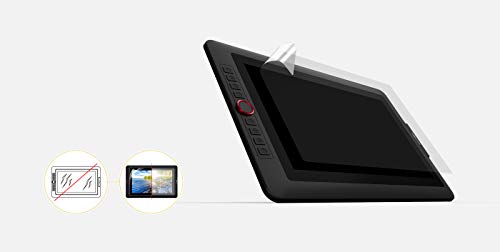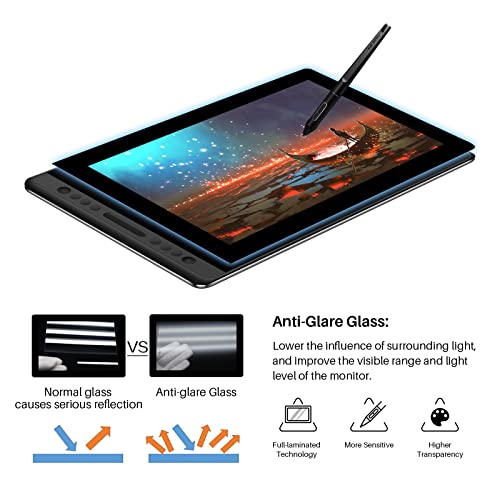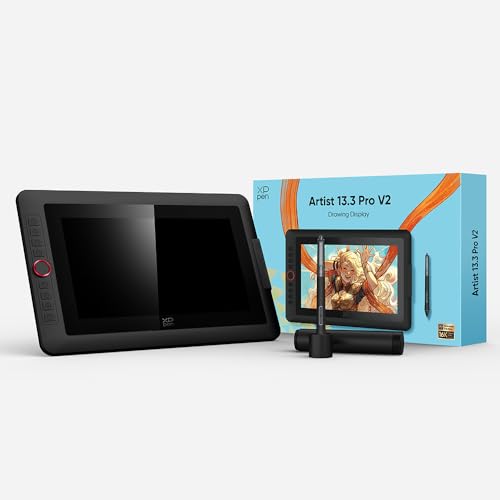
XP-PEN Artist 13.3 Pro 8192 Level Graphic Stylus Tablet - Drawing Tablet with 13.3 Inch Screen + 8 Shortcut Keys - Compatible with Windows Mac
Product Description
1. Important Reminder XP-PEN Artist13.3 Pro drawing tablet must be connected to a Laptop/desktop to work it's compatible with Windows 10/8/7(32/64bit) MAC OS 10.10 or above OS. 2. Connection Tips Your laptop/desktop needs to have HDMI and USB-A ports available for the connection. If your computer does not have HDMI and USB-A ports then you need an extra converter for the connection such as VGA/DVI/DP/Thunderbolt to HDMI adapter USB-C to USB-A etc. (Depends on what ports that your laptop/desktop has). 3. Install the XP-PEN Driver on Your Computer 1-Before Driver Installation: Please Remove Other Brand’s Driver from your computer and reboot before installing the XP-PEN’s driver or there will driver conflict problems. 2-Driver Download: Our driver will be regularly updated so please go to our official web to download the newest driver and install it on your computer. 3-For Windows Users:Please close all drawing programs and run the
XP-PEN Artist 13.3 Pro 8192 Level Graphic Stylus Tablet - Drawing Tablet with 13.3 Inch Screen + 8 Shortcut Keys - Compatible with Windows Mac Price in USA
$259.99
Walmart
$197.59
Amazon
![[4 Bonus Items] Simbans PicassoTab 10 Inch Portable Drawing Tablet with Screen Stylus Pen Standalone No Computer Needed 4/64GB Android 10 WiFi Best Gift for Beginner Digital Graphic Artist -PCX](https://avluzmedia.s3-us-west-1.amazonaws.com/uploads/419cI-H9FSL.jpg)