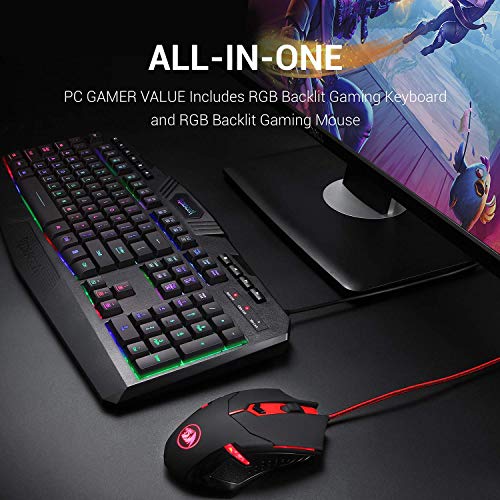
![Redragon Gaming Keyboard and Mouse Updated S101 Gaming Keyboard Mouse Combo with RGB Backlit Programmable Software and Independent Macro Record Keys [Newest S101-BB]](https://avluzmedia.s3-us-west-1.amazonaws.com/uploads/519uyh%2BzvoL.jpg)
Redragon Gaming Keyboard and Mouse Updated S101 Gaming Keyboard Mouse Combo with RGB Backlit Programmable Software and Independent Macro Record Keys [Newest S101-BB]
Product Description
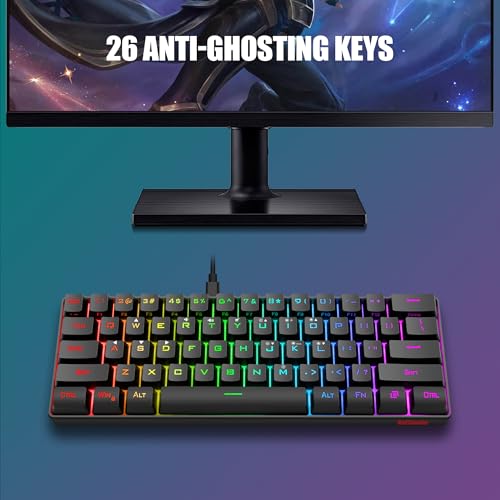
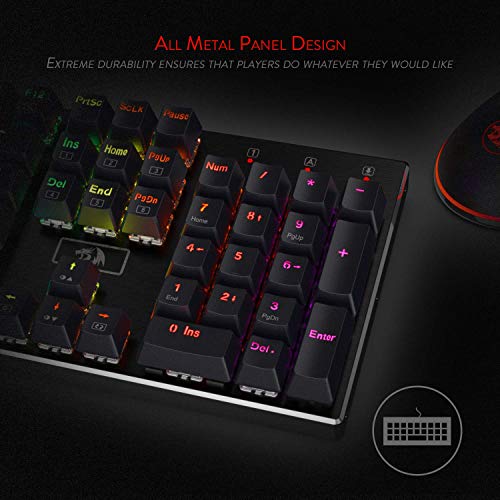
Keyboard Function Introduction: RGB Backlighting: A. There are 6 backlight effects including one for user’s definition. B. Press [FN]+[Insert]/[Home]/[Page Up]/[Delete]/[End]/[Page Down] to change the lighting modes. C. Press [FN]+[Page Up] twice to start backlight setting. D. Press [FN]+[←]/[→] to adjust the lighting speed. Press [FN]+[↑]/[↓] to adjust the lighting brightness. Macro Recording Function: 1. Press [Rec] to start the record. 2. Press one of the G1~G5 3. To record your macro. 4. Press [Rec] again to save the recording. 5. Press the G key to play the Macro. Multimedia keys: 4 Short keys: Stop/Previous Track/Play Pause/Next track and 12 Multi-media keys [FN]+[F1]~[F12] Mouse Function Introduction: Light Instructions: DPI indicator light : Red - 800 DPI Blue - 1200 DPI Green - 1600 DPI Purple- 2400 DPI Yellow- 7200 DPI 10 Chroma Lighting Effects Color fustr
Redragon Gaming Keyboard and Mouse Updated S101 Gaming Keyboard Mouse Combo with RGB Backlit Programmable Software and Independent Macro Record Keys [Newest S101-BB] Price in USA
$28.49
Amazon