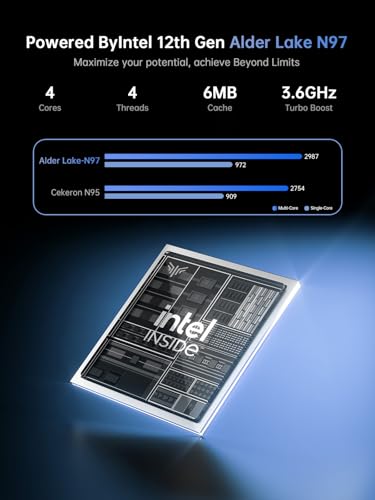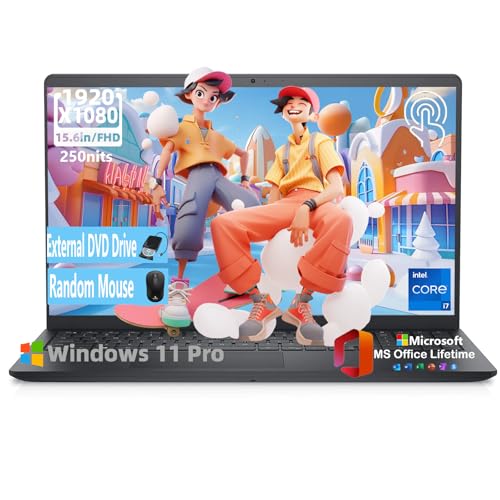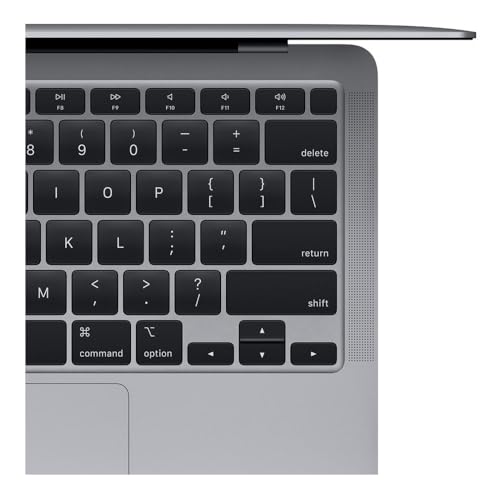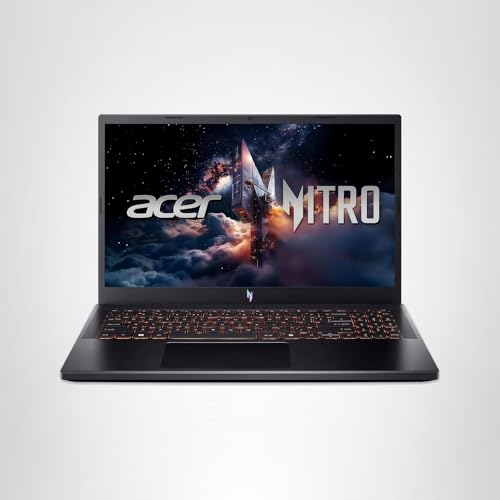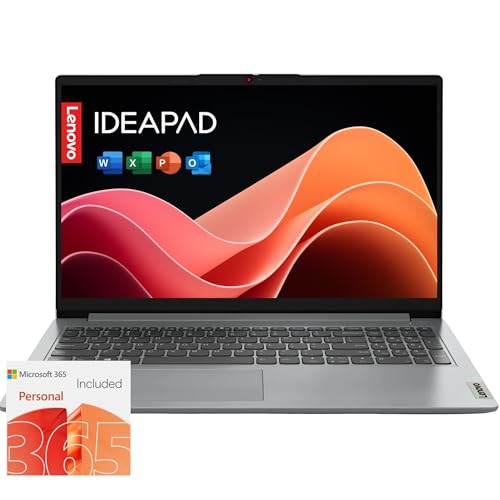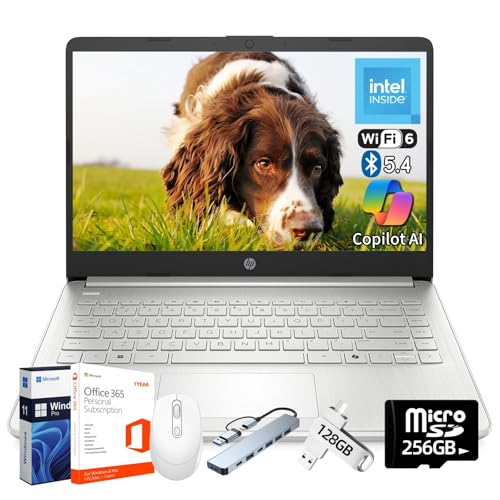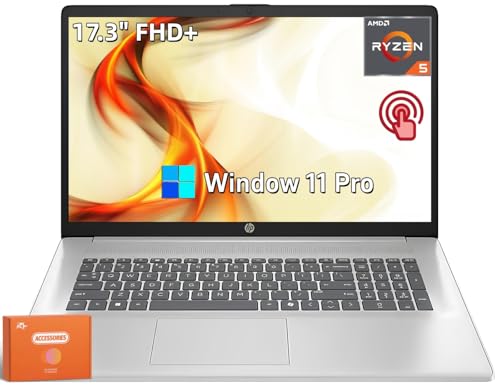
HP Ultra Slim Laptop with Lifetime Microsoft Office 365 for The Web | 1.1TB Storage (128GB Hard Drive and 1TB Cloud) | Intel 4-Core 8GB RAM | Windows 11 | w/o Earbuds
Rating: 4.0 / 5
Product Description
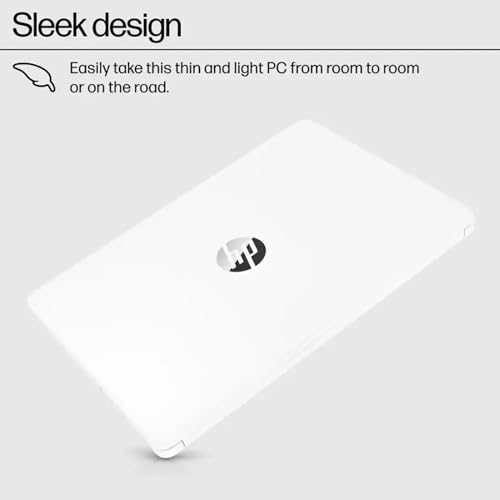
Switching out of S mode in Windows 11 Windows 11 in S mode is designed for security and performance exclusively running apps from the Microsoft Store. If you want to install an app that isn't available in the Microsoft Store you'll need to switch out of S mode 1. On your PC running Windows 11 in S mode open Settings > System > Activation. 2. In the Switch to Windows 11 Pro section select Go to the Store. (If you also see an ""Upgrade your edition of Windows"" section be careful not to click the ""Go to the Store"" link that appears there.) 3. On the Switch out of S mode (or similar) page that appears in the Microsoft Store select the Get button. After you see a confirmation message on the page you'll be able to install apps from outside of the Microsoft Store. HP 14 inch Laptop for Business and Student: Sleek design: Easily take this thin and light PC from room to room or on the road Dual array microphones: With two microphones and advanced noise reduction software you'll always so