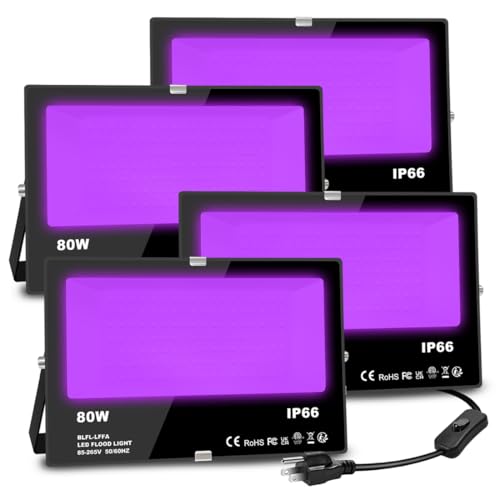
LED Flood Light Outdoor 300W Equivalent 3000LM Smart RGB Landscape Lighting with APP Control DIY Scenes - Timing - 5700K Daylight White -Color Changing Uplight IP66 Waterproof US Plug MELPO(4 Pack)
Product Description
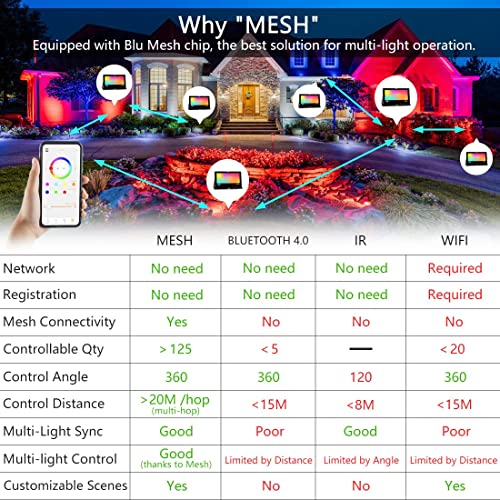
This is a Bluetooth connected APP control color changing led flood light(No remote controller, only can be controlled by APP). ""Control at your will"" ”DIY Scenes“ and ”Timing“ are just three of its many unique functions. How to get started with MELPO Bluetooth rgb flood light needed APP control. 1 Scan the QR code on the manual to download the ""BRmesh"" APP from Google Play or IOS APP Store. 2 Open '' BRmesh'' APP, and click the ''+ '' in the upper right corner of the APP to add lights ( light don't need pair with your phone's Bluetooth). 3 Follow the ''Add guideline'' to add lights. Check '' I have understood'' and click '' Enter to add'' then immediately turn on the lights. 4 Then light and APP will connect automatically then click ''Finish'' then you can change color/mode set timing or music sync. Features: Registration: Not Required Maximum Number of Devices: 100<